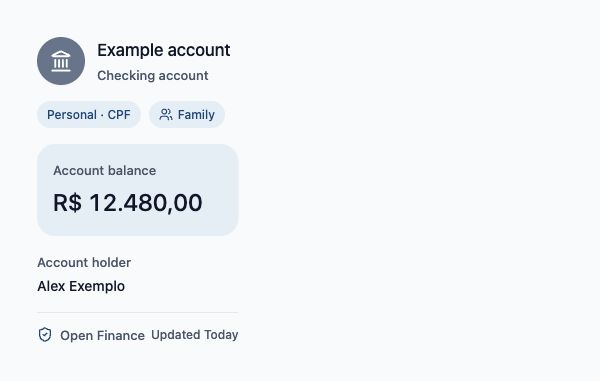
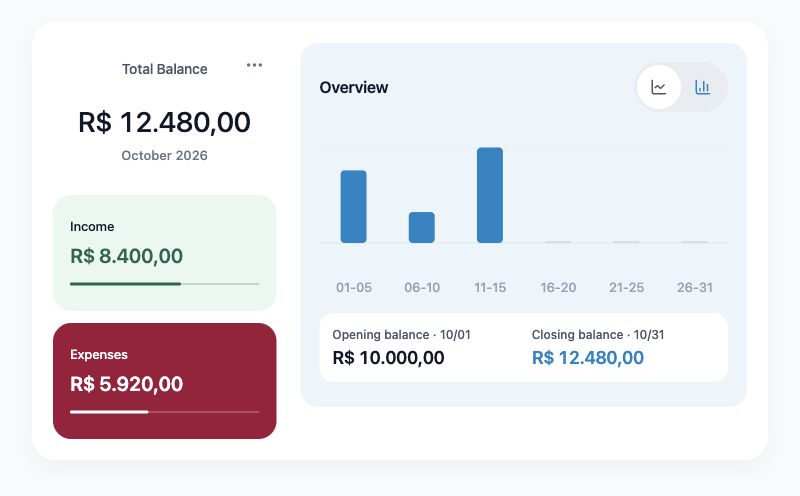
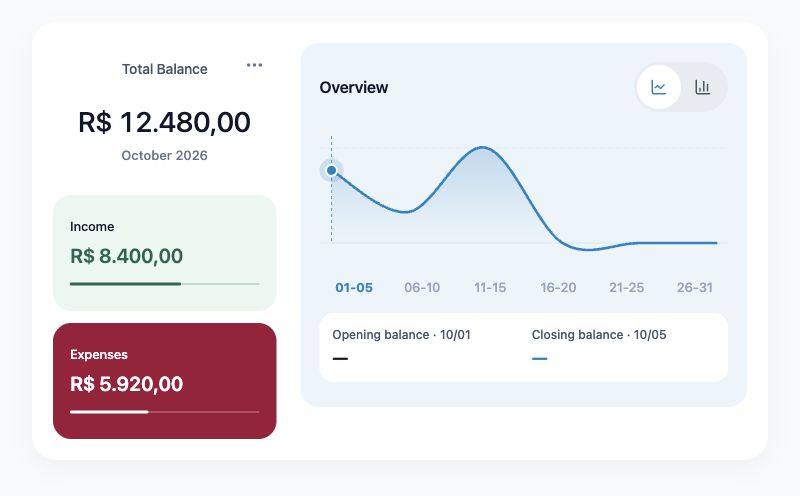
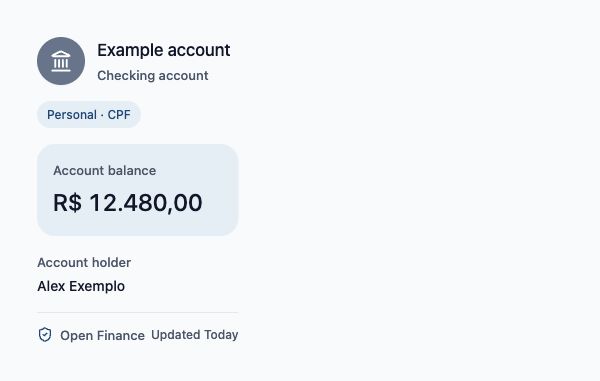
Bring available accounts together or start with manual records.
- Accounts in one place
- Connected with your permission
- Your personal context
bBlipen PersonalInside the app
Blipen is your personal finance app for organizing accounts, spending and goals, with Family and Business profiles.
Personal, Family and Business on the free plan.Accounts, cards and transactions in one organized view. Less time searching for numbers. More room to understand your money.
Discover how it works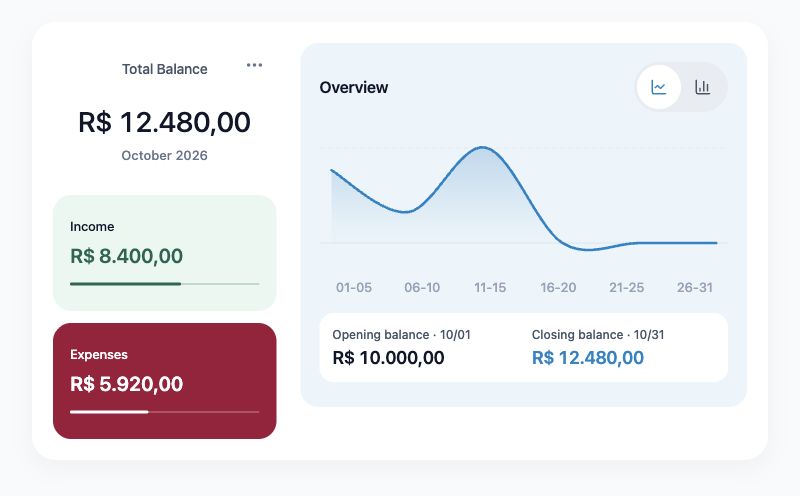
Your money has many parts. Blipen helps you see how they connect.
Get started with BlipenBring available accounts together or start with manual records.
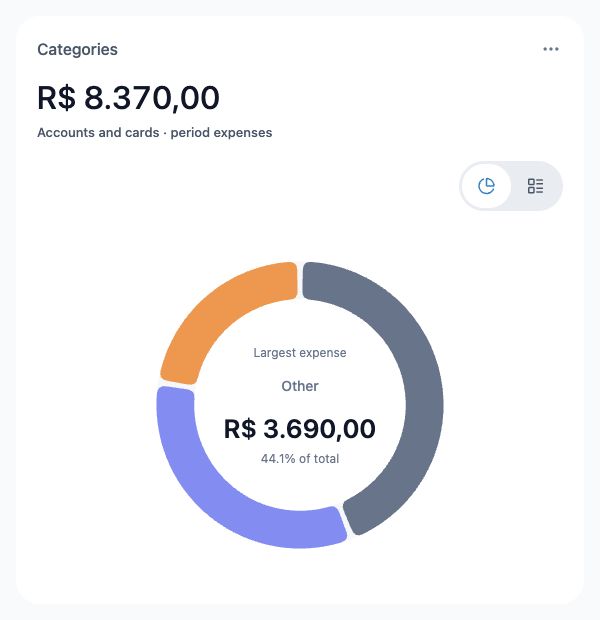
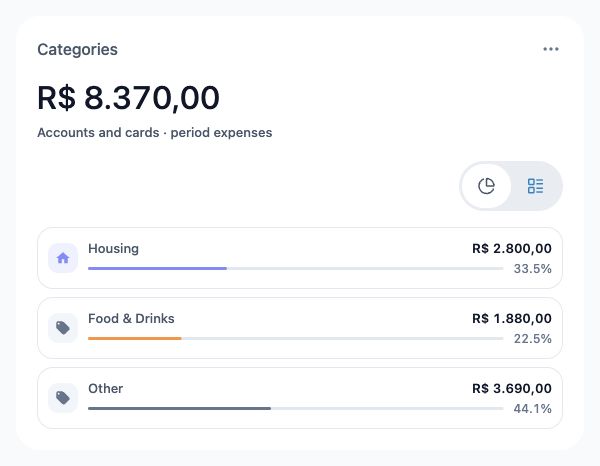
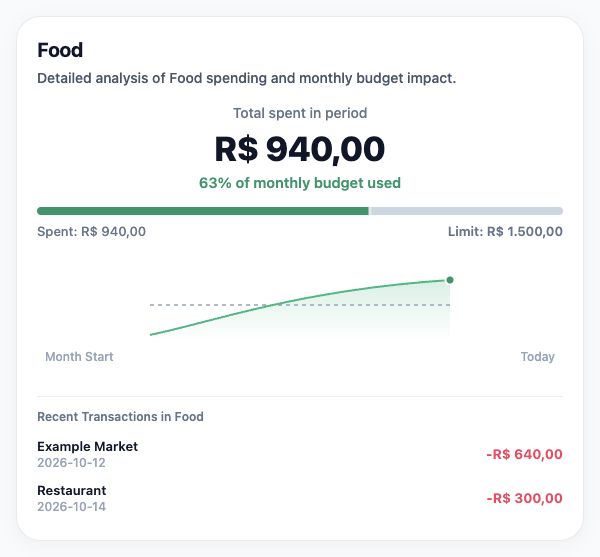
Find expenses, categories and cards in one clear view.
Explore your numbers and discuss them with Blipen AI.
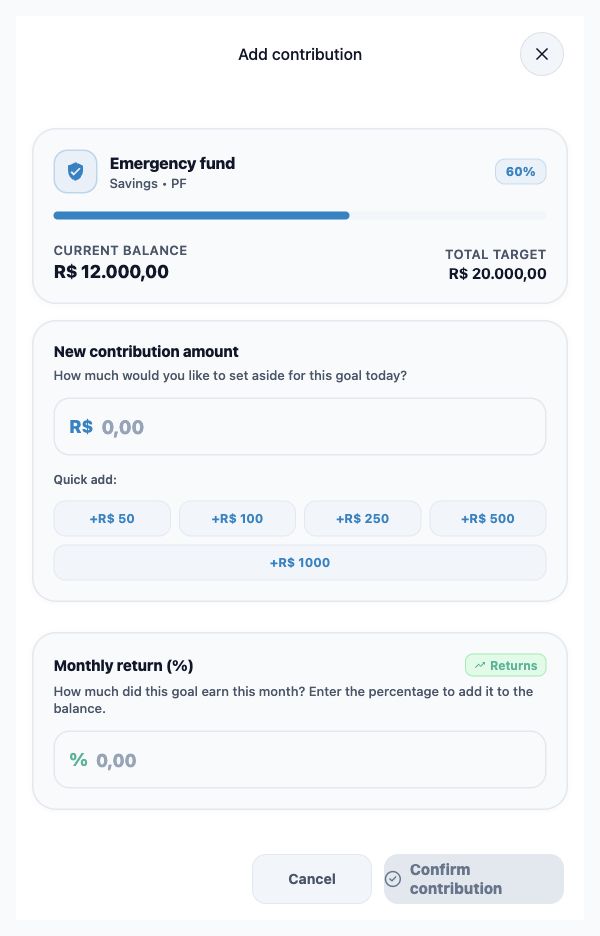
Track your budget and keep your goals close.
Choose the screen that fits your day.
Take Blipen with you on iPhone and Android.
Download the appUse your Mac’s browser, with no installation needed.
Open on MacOrganize your finances in your computer’s browser.
Open web appYour finances, closer to the tools you use every day.
View all integrationsPersonal, Business and Family in Free. Subscribe for an AI assistant, AI categorization, financial diagnosis, receipt photo reading and Open Finance within your plan’s coverage.
Free
Free manual management
Billed monthly
$ 90.00 billed once per year
All manual features from Free, plus:
Billed monthly
$ 155.00 billed once per year
All manual features from Free, plus:
Billed monthly
$ 210.00 billed once per year
All manual features from Free, plus:
Personal, Family and Business are already in Free. The two Blind controls are independent: enable either or both. Categorization follows your rules and corrections. Subscribe to add an AI assistant, AI categorization and diagnosis, receipt photo reading and automatic connections.
Prices and features from the Blipen catalog. Confirm the terms in the app before subscribing.
Access and privacy controls to help protect your data.
Explore the controlsConnect supported Brazilian institutions to view your financial data. The connection does not move funds.
Blind Mode has two independent controls. Transaction Blind hides transactions except those you share. Balance Blind hides balances, bills and limits and excludes your amounts from family calculations. Enable either or both; shared transactions remain visible, including their amounts. You keep access to your data in your Personal profile.
Unlock with biometrics on supported devices and a 4-digit PIN. The PIN is never saved to disk.
Personal, Business and Family are available on every plan, including Free. Manual management, reports, exports, income statements, invitations, Transaction Blind and Balance Blind do not require a subscription. The two controls are independent. Categorization based on your rules and corrections is also included in Free. The AI assistant, AI categorization and improved transaction names, AI financial diagnosis, receipt photo reading and Open Finance require a subscription or an active free trial, subject to coverage, consent and limits. Automatic connection limits are listed in the catalog and do not limit manual accounts.
You can start with manual accounts and entries. Open Finance availability depends on your plan and institution.
Personal organizes your own accounts. Family brings together information shared by members. Business provides a separate context for business finances and management.
Blind Mode has two independent controls. Transaction Blind hides transactions except those you share. Balance Blind hides balances, bills and limits and excludes your amounts from family calculations. Enable either or both; shared transactions remain visible, including their amounts. You keep access to your data in your Personal profile.
Ask about financial information and start guided account, card and transaction setup. AI assistant and guided setup require a subscription or an active free trial, and consent. Manual forms and categorization that learns from your corrections remain available on Free. Review details before confirming an action.
The plans section shows the Blipen catalog. Check available features and subscription and management terms in the app.
Yes. Manage your connections in the app. Read each confirmation to distinguish pausing synchronization from removing associated data.
Integration with external AIs — ChatGPT, Grok, Claude and Manus — is exclusive to Blipen Plus and Pro, with a current subscription or active 30-day Plus trial and your authorization. Free and Essential do not include this integration. Availability also depends on the assistant you choose.
After registration, new users can activate 30 free days of Plus in the popup or later in Settings → Subscription, including AI, Open Finance and integration with external AIs: ChatGPT, Grok, Claude and Manus. Plus limits, availability and consent requirements apply. Without a subscription, you return to Free when the trial ends, keeping your history with no charge. Subscribe now to apply 30 free days to your chosen plan; if your trial has started, you keep the remaining days. Billing starts after the free period.
Need more details? Visit the Help Center.
Try Plus for 30 days, with no card required and no automatic charges. For new users, with activation after sign-up. Without a subscription, you return to Free when the trial ends.