Balance at home. Independence for everyone.
Organize shared household expenses and goals with the privacy controls of Blipen's Family profile.
Create your family group for free, with invitations and Blind Mode. Open Finance, AI Chat and receipt photo reading require a subscription or an active free trial, subject to coverage and consent.
A family routine in 4 steps
A shared routine for greater visibility into household finances.
Agree on shared expenses
Create your group and identify the expenses shared by the household.
Organize contributions
Agree on how members contribute and review the sharing options available in the app.
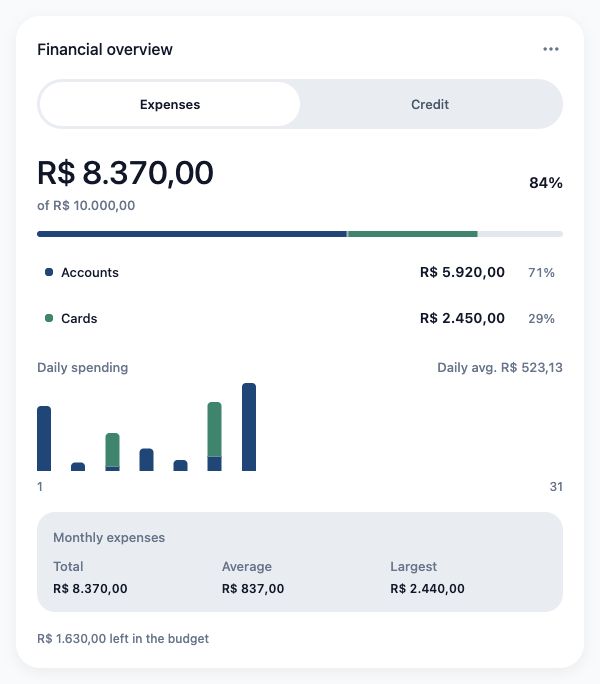
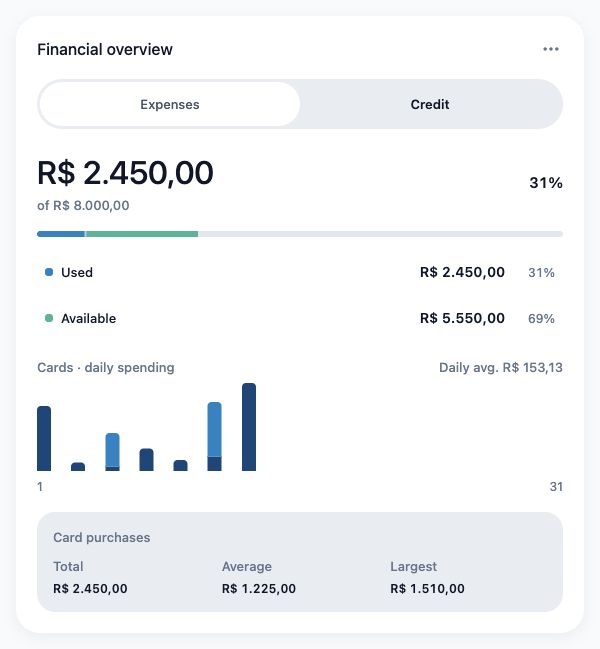
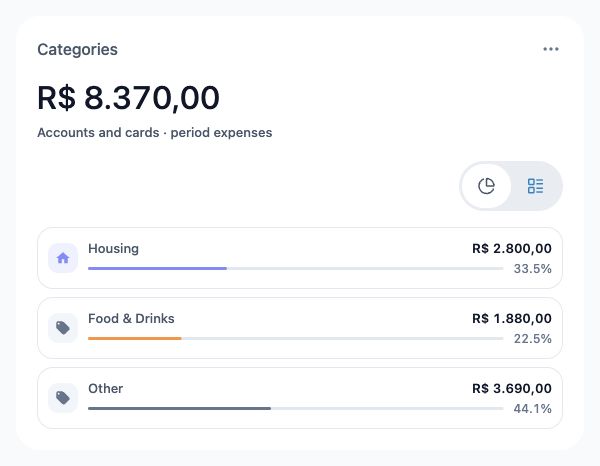
Track shared spending
Family calculations respect each member’s Balance Blind setting. Transaction Blind separately controls transaction visibility.
Monthly family review
Review the household's shared records at the end of the month.
Who can see what?
Privacy controls for partners and family members.
Family group owner
Creates the group, manages invitations and organizes the household budget.
Spouse / Partner
Participates in shared expenses and reviews the household budget according to permissions.
Dependent / Family member
Participates according to the access permissions set for the group.
Family management questions
Can my partner see my personal card statement?
No. Your personal accounts and cards remain private according to your profile’s sharing choices.
How do we record a purchase paid by one member?
Record the expense in the appropriate context and review the available sharing options.
Do I need a subscription to use the Family profile?
No. You can create or join a family on Free, with invitations and Blind Mode. Open Finance, AI Chat and receipt photo reading require paid plan coverage and applicable consent.