An organized home. Privacy for each person.
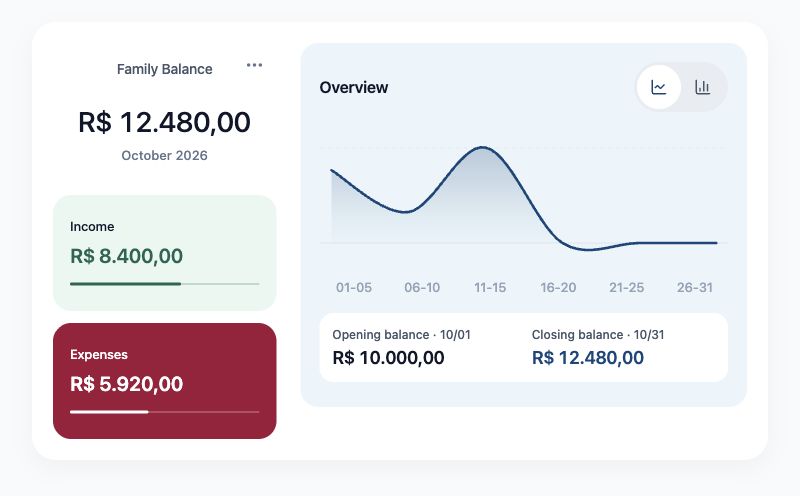
Organize household expenses with two independent controls: Transaction Blind and Balance Blind. Each member chooses what to share with the family.
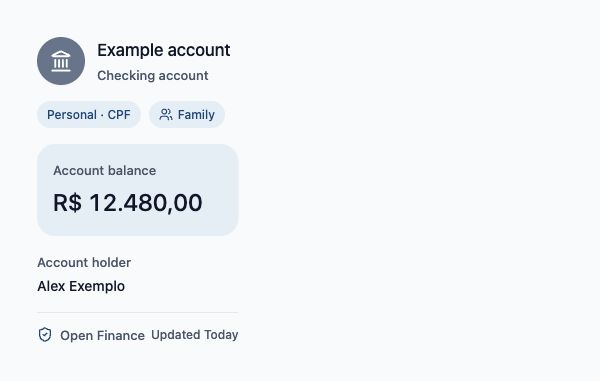
Create your family group for free, with invitations and Blind Mode. Open Finance, AI Chat and receipt photo reading require a subscription or an active free trial, subject to coverage and consent.
How Blipen Family works
Individual autonomy and a clearer view of shared costs.
Blind Mode
Blind Mode has two independent controls. Transaction Blind hides transactions except those you share. Balance Blind hides balances, bills and limits and excludes your amounts from family calculations. Enable either or both; shared transactions remain visible, including their amounts. You keep access to your data in your Personal profile.
Household budgets
Set monthly limits for groceries, housing, leisure and education and track shared expenses.
Family invitations
Invite members and review access permissions as you organize the family group.
Transparency with clear boundaries
Understand how shared and personal information is organized.
| Information type | Family space | Personal space (private) |
|---|---|---|
| Household expenses (utilities, rent, fees) | Consolidated according to each holder’s Balance Blind setting | Individual contribution |
| Each member's detailed bank statements | Hidden by default; visible if shared | Visible to the account holder |
| Personal card purchases | Hidden with Transaction Blind unless explicitly shared | Visible in the personal context |
| Long-term goals (family trip, renovation) | Shared progress overview | Recorded monthly contribution |
| Balances, bills, limits and calculations | Hidden and excluded from calculations when Balance Blind is enabled | Visible to the account holder |
Ready to simplify household finances?
Install Blipen, create your family group and review sharing settings before inviting members.